If your Globe Postpaid contract is nearing its end, completing your Globe Plan Renewal on time helps you continue enjoying uninterrupted calls, texts, mobile data, and other postpaid benefits. Instead of visiting a Globe Store, many eligible subscribers can now renew their postpaid plan through the GlobeOne app or the official Globe website, making the process faster and more convenient.
Whether you want to keep your existing plan, upgrade to a newer smartphone, or switch to another postpaid plan, Globe provides several renewal options to suit different needs. Before starting, however, it’s important to understand your eligibility, prepare the necessary information, and review the available renewal offers.
This guide explains everything you need to know about Globe Plan Renewal, including who can renew, what you need before applying, and how to complete the renewal process online step by step.
Quick Tip: Before beginning your Globe Plan Renewal, make sure your account is eligible and that you have access to your registered mobile number and email address for verification.
Read also : Globe SIM Registration 2026: Complete Online Registration Guide
Globe Balance Inquiry: Best & Easy Ways to Check Balance (2026)
What Is Globe Plan Renewal?
Globe Plan Renewal is the process that allows existing Globe Postpaid subscribers to continue their postpaid service after—or shortly before—their current contract ends. During renewal, eligible customers can retain their current plan, upgrade to another postpaid plan, or renew with a new smartphone or other eligible device.
Unlike applying for a new Globe Postpaid subscription, the renewal service is available only to existing postpaid customers whose accounts meet Globe’s renewal requirements.
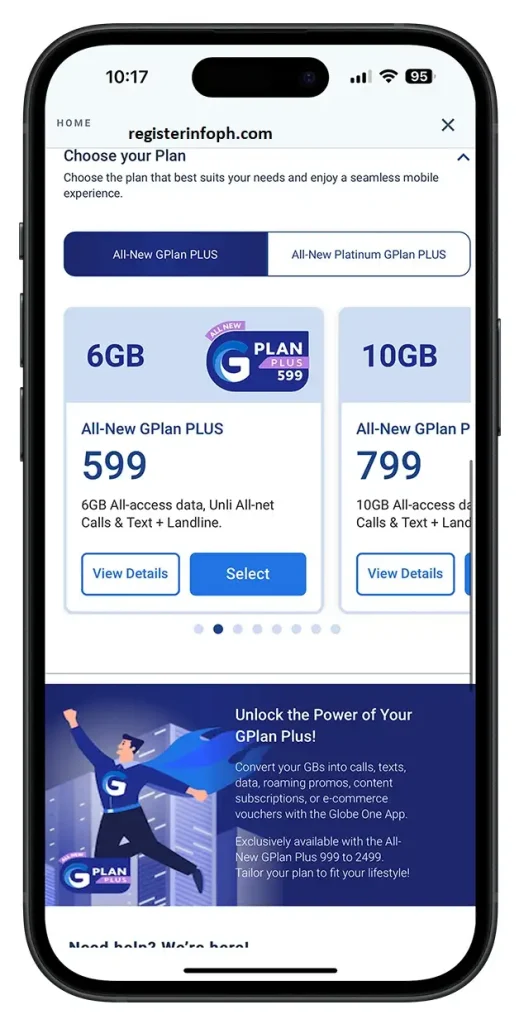
According to Globe’s official guidance, eligible subscribers can renew their postpaid plan using:
- The GlobeOne app
- Globe’s official website
- Participating Globe Stores
The available renewal options may vary depending on your account status, current plan, contract period, and any ongoing Globe promotions.
Renewing your plan before your contract expires helps ensure uninterrupted service while giving you access to the latest postpaid offers and device upgrade options.
Benefits of Completing Your Globe Plan Renewal Online
Many Globe Postpaid customers choose to renew their postpaid plan online because it is convenient, secure, and available from almost anywhere with an internet connection.
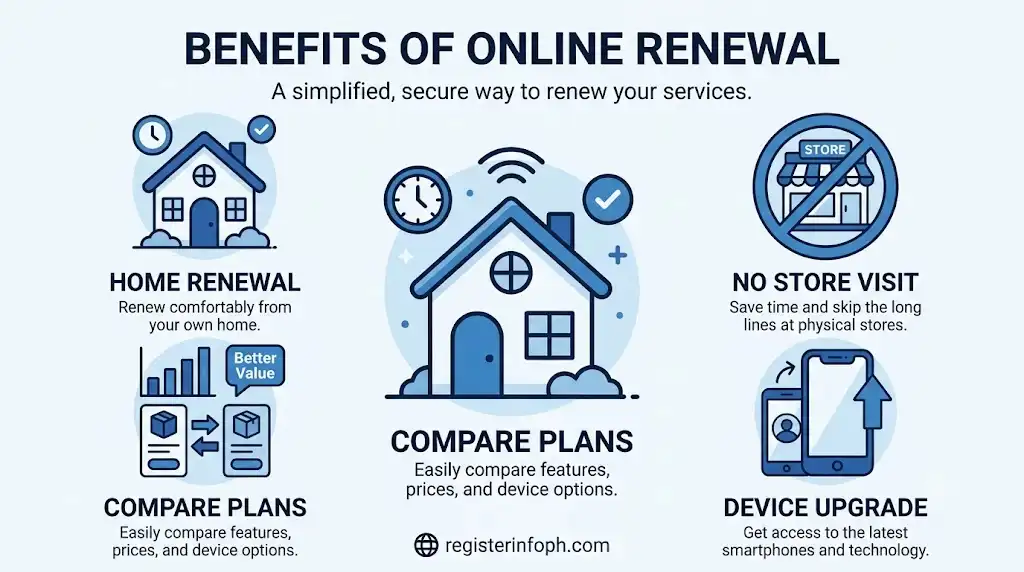
Some advantages include:
- Renew without visiting a Globe Store.
- Check your renewal eligibility online.
- Compare available Globe Postpaid plans.
- Browse eligible smartphone upgrade offers.
- Review monthly charges before confirming your renewal.
- Receive updates through your registered mobile number and email.
- Manage your renewal using the GlobeOne app.
Depending on your account, Globe may also provide exclusive online renewal offers that are only available to eligible subscribers.
Looking for more helpful guides on Globe services and other government-related topics in the Philippines? Visit RegisterInfoPH for the latest tutorials, requirements, and step-by-step guides.
Who Can Apply for Globe Plan Renewal?
Not every Globe Postpaid customer is immediately eligible to renew. Your eligibility depends on your account status and Globe’s renewal policies.
According to Globe’s official information, customers are generally eligible if they:
- Have an active Globe Postpaid account.
- Are out of contract or within 30 days before their contract expires.
- Have no outstanding balance on their account.
- Successfully complete Globe’s account verification process.
Some customers may also receive early renewal offers based on their account history and Globe’s current promotions.
If your account is not yet eligible, Globe will usually notify you once your renewal period becomes available.
Note: Meeting the general eligibility requirements does not automatically guarantee approval. Globe reviews each renewal request according to its current policies.
What You Need Before Starting Your Globe Plan Renewal
Preparing the necessary information before starting the renewal process can help make the process quicker and smoother.
Below are the basic requirements.
| Requirement | Why It’s Needed |
|---|---|
| Active Globe Postpaid Account | Confirms you are an existing subscriber. |
| Eligible Contract Status | Required before renewal can begin. |
| No Outstanding Balance | Helps ensure successful processing. |
| Registered Mobile Number | Used for verification and notifications. |
| Active Email Address | Used for renewal updates. |
| Stable Internet Connection | Required for online renewal. |
Depending on your account, Globe may request additional verification during the application process.
Documents Needed Before Renewing Your Globe Postpaid Plan
Most existing Globe customers can complete their renewal without submitting extensive paperwork. However, Globe may ask for identity verification to protect your account and confirm account ownership.
Commonly requested information includes:
- Valid government-issued ID
- Globe Postpaid mobile number
- Account details
- Additional verification documents (only if requested)
If you decide to complete your Globe Plan Renewal at a Globe Store instead of online, bring the original copy of your government-issued ID.
Accepted Government-Issued IDs
If identity verification is required during the renewal process, Globe generally accepts government-issued identification documents such as:
| Accepted IDs |
|---|
| Philippine National ID (PhilSys ID) |
| Passport |
| Driver’s License |
| UMID |
| PRC ID |
| Postal ID |
| Senior Citizen ID |
| PWD ID |
| Other government-issued IDs accepted by Globe |
For a smoother verification process, ensure that the name on your ID matches the information registered on your Globe Postpaid account.
Before You Begin Your Globe Plan Renewal
Taking a few minutes to prepare before starting your renewal can help avoid delays.
1. Check Your Contract Status
before starting the renewal process, confirm that your account is already eligible. According to Globe, customers are generally eligible once they are out of contract or within 30 days before their contract expires.
If you’re unsure about your eligibility, you can check your account through the GlobeOne app, Globe’s official website, customer support, or by visiting a Globe Store.
2. Review Your Current Postpaid Plan
Before renewing, ask yourself:
- Does my current plan still meet my needs?
- Do I need more monthly data?
- Would I like to upgrade to a newer smartphone?
- Should I change to another Globe Postpaid plan?
Answering these questions beforehand makes it easier to choose the most suitable renewal option.
3. Decide Whether to Renew With or Without a Device
One of the most important decisions during the renewal process is whether you want to renew with a new smartphone.
If you plan to upgrade your device, remember that:
- Device availability depends on stock.
- Cash-out amounts vary depending on the selected device and plan.
- Monthly fees may differ based on your chosen renewal package.
Always compare your available options before confirming your application.
4. Prepare Your Verification Details
Before proceeding, make sure you have:
- Your registered Globe mobile number
- Your email address
- A valid government-issued ID (if requested)
- A stable internet connection
During the renewal process, Globe may send a one-time password (OTP) to verify your identity and protect your account.
How to Complete Globe Plan Renewal Online
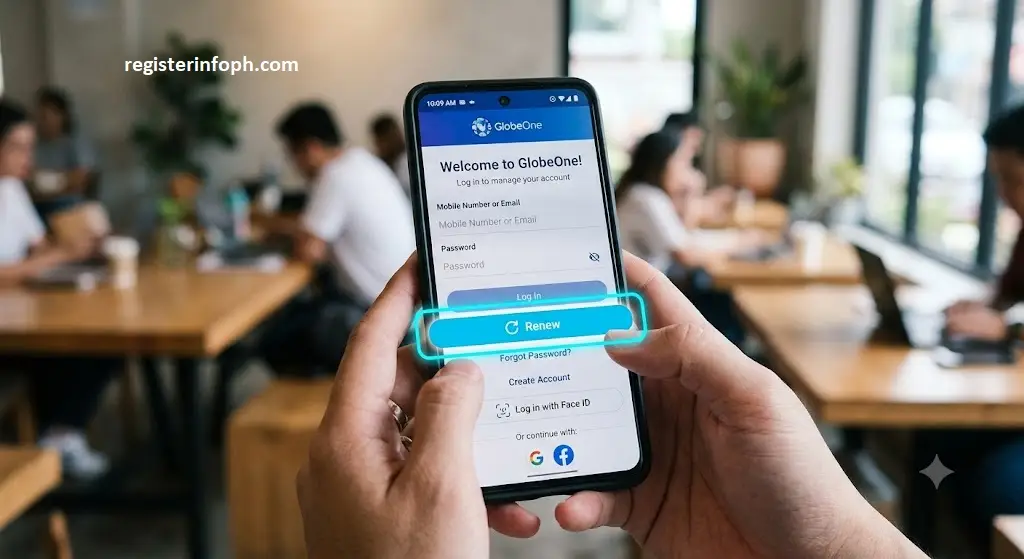
Step 1: Sign In to Your Globe Account
Once you’re ready,begin the renewal process by signing in through one of Globe’s official digital channels.
Eligible subscribers can access the renewal process using:
- GlobeOne app
- Official Globe website
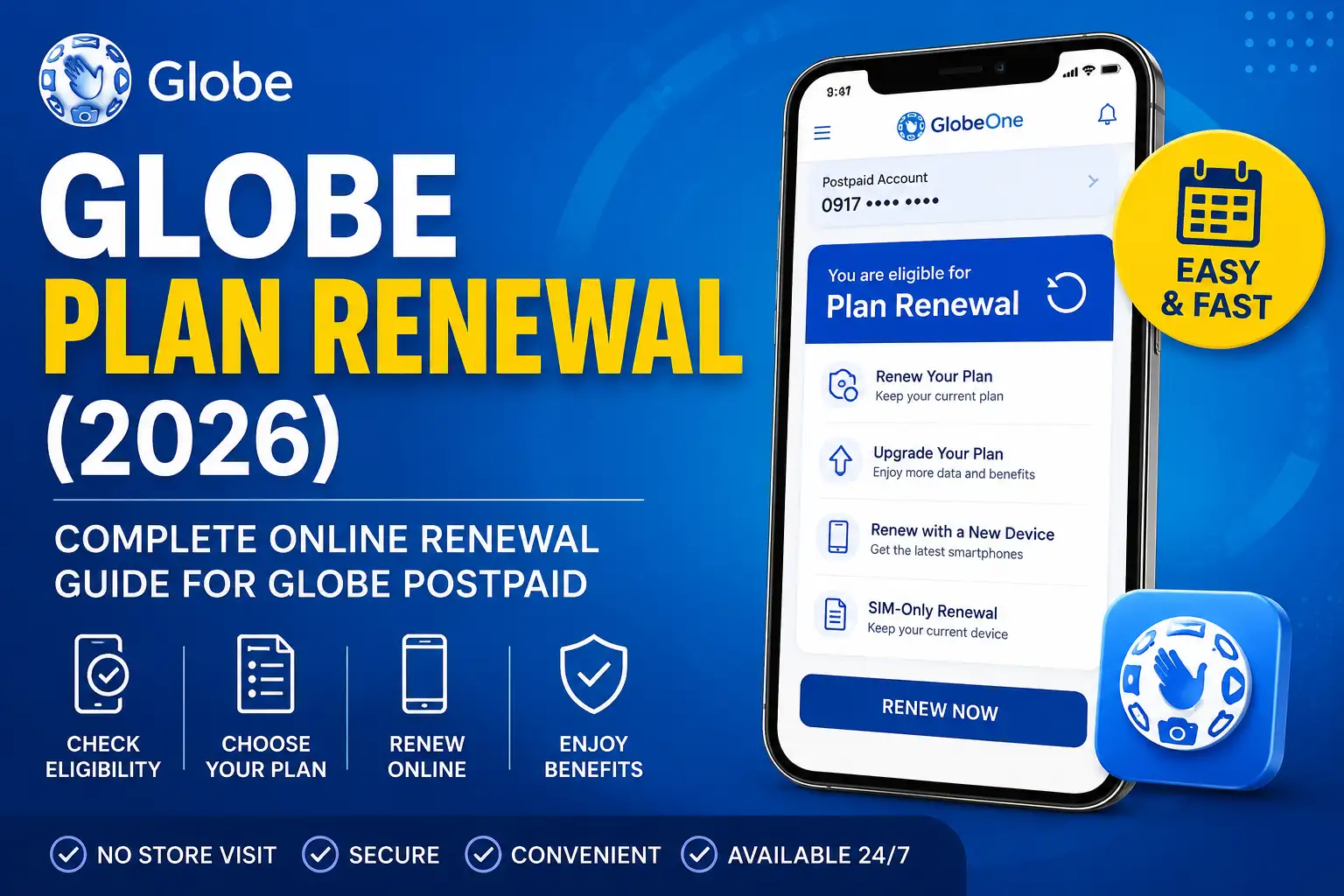
After signing in, navigate to your Postpaid account. If your account qualifies for renewal, Globe will display the available options, which may include:
- Renewing your current plan
- Switching to another postpaid plan
- Renewing with a new device
- Viewing available renewal offers
Security Tip: Always renew your plan using Globe’s official website or the GlobeOne app. Avoid entering your login credentials on unofficial websites or links sent by unknown sources.
Step 2: Check Your Renewal Eligibility
After signing in to your account, the next step is to confirm whether you’re eligible for Globe Plan Renewal.
According to Globe’s official renewal guidelines, existing postpaid subscribers can generally renew if they are already out of contract or within 30 days before their contract expires, provided their account is in good standing and they meet Globe’s renewal requirements.
If your account qualifies, Globe will display the available renewal offers that are specific to your subscription. These offers may include:
- Renewing your current postpaid plan
- Upgrading to a higher plan
- Renewing with a new smartphone or device
- Exclusive renewal promotions for eligible customers
If your account is not yet eligible, you’ll need to wait until your renewal window opens. Some customers may also receive early renewal offers, but these are subject to Globe’s policies and account eligibility.
Note: Renewal eligibility is determined solely by Globe. Meeting the basic requirements does not automatically guarantee approval.
Step 3: Choose Your Renewal Option
Once you’ve confirmed your eligibility, it’s time to select the renewal option that best fits your needs.
Globe usually provides several choices depending on your account and current promotions.
| Renewal Option | Best For |
|---|---|
| Renew Current Plan | Customers satisfied with their existing plan |
| Upgrade to Another Plan | Customers who need more data or additional benefits |
| Renew With a New Device | Customers planning to upgrade their smartphone |
| SIM-Only Renewal | Customers who want to keep their current device |
Take time to compare the available plans before making your decision.
Review the following carefully:
- Monthly recurring fee
- Included mobile data
- Unlimited call and text benefits
- Contract period
- Device cash-out (if applicable)
- Available renewal rewards or promotions
Choosing the right plan ensures you get the best value based on your usage.
Step 4: Renew Through the GlobeOne App
The GlobeOne app is one of the easiest ways to renew your plan. Eligible customers can manage their postpaid account, explore renewal offers, and submit their renewal request directly from the app.
1. Open the GlobeOne App
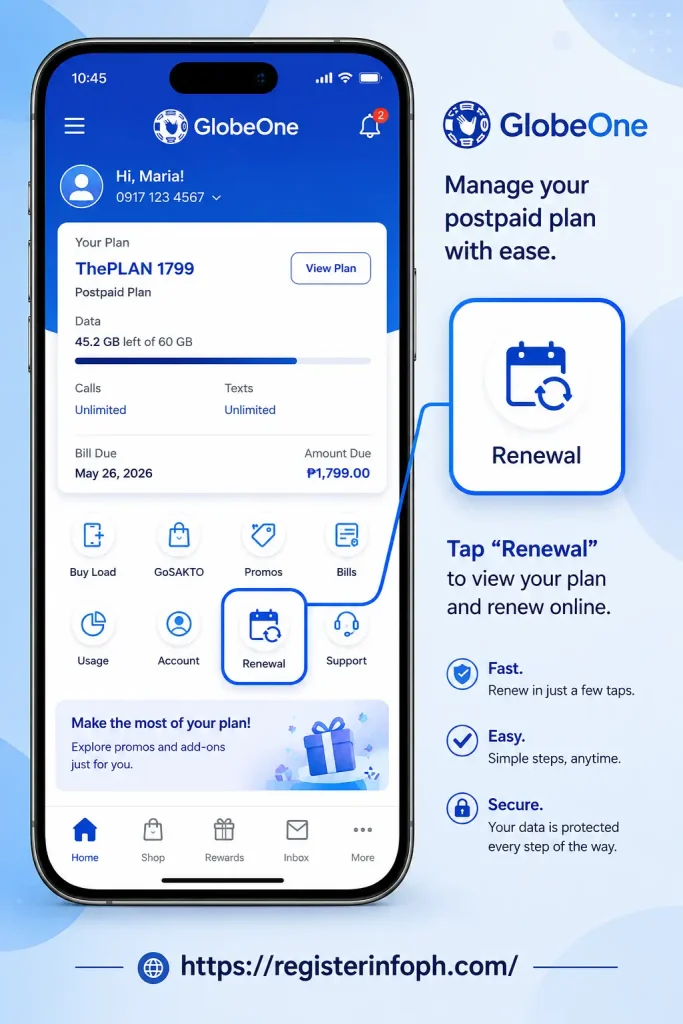
Launch the latest version of the GlobeOne app on your mobile device.
If you haven’t installed it yet, download it from your device’s official app store.
2. Sign In
Log in using the Globe account associated with your postpaid subscription.
After signing in, select your Postpaid account if multiple accounts are linked.
3. Check Available Renewal Offers
If your account is eligible, GlobeOne will display your available renewal options.
These may include:
- Current plan renewal
- Plan upgrades
- Smartphone upgrades
- Available promotions
The offers shown depend on your account and current Globe promotions.
4. Select Your Preferred Plan
Choose the postpaid plan that best matches your needs.
Review:
- Monthly subscription fee
- Data allocation
- Calls and texts
- Contract duration
- Additional benefits
If you’re upgrading to a new smartphone, compare the available device options before proceeding.
5. Review Your Order
Before submitting your renewal request, carefully verify all information.
Check:
- Selected plan
- Device (if applicable)
- Monthly charges
- Cash-out amount (if any)
- Delivery information
- Contact details
Correct any mistakes before continuing.
6. Confirm Your Renewal
Accept the terms and conditions, complete any required identity verification, and submit your renewal request.
Once your application has been successfully submitted, Globe will begin reviewing your request.
Step 5: Complete Globe Plan Renewal Through the Official Globe Website
If you prefer using a desktop or laptop, you can also renew your plan through Globe’s official website.
The online process is similar to using the GlobeOne app.
General Steps
- Visit Globe’s official renewal page.
- Sign in using your Globe account.
- Verify your renewal eligibility.
- Review available plans.
- Select your preferred renewal option.
- Choose a device if applicable.
- Review your order details.
- Submit your renewal request.
After submitting, Globe will provide updates regarding your application through your registered contact information.
Security Reminder: Only access Globe’s official website when completing your renewal. Avoid unofficial websites or suspicious links requesting your account credentials.
Can You Renew With or Without a New Device?
Yes. During your Globe Plan Renewal, you can usually choose whether to renew with a new device or keep your existing smartphone.
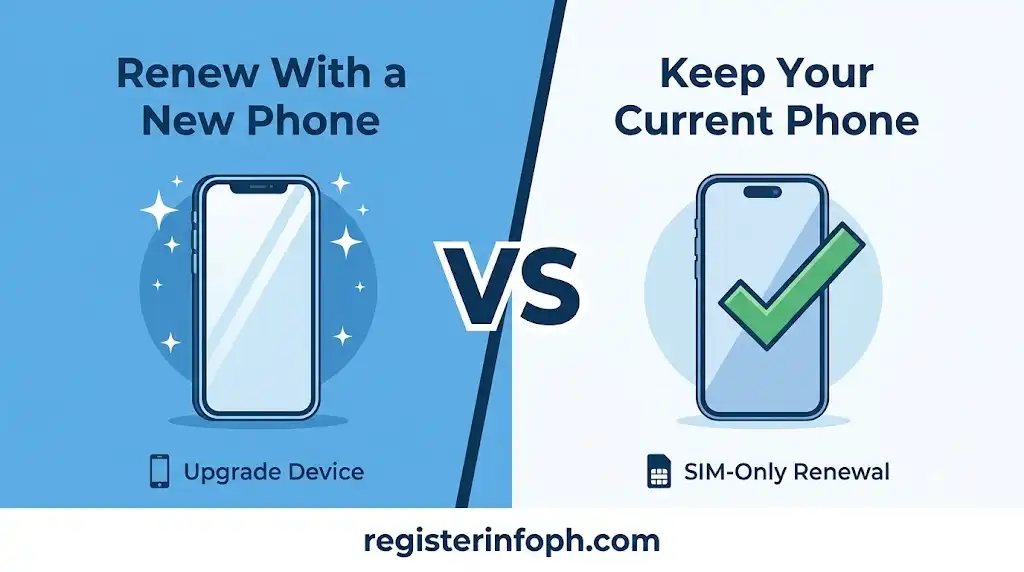
Renew With a Device
Renewing with a new smartphone is a popular option for customers whose contracts are ending.
Benefits include:
- Access to the latest smartphones
- Flexible postpaid plans
- Device upgrade opportunities
- Available promotional offers (subject to Globe’s current promotions)
Keep in mind that some devices may require a cash-out payment, depending on the selected plan and device model.
Renew Without a Device
If you’re happy with your current smartphone, you may choose a SIM-only renewal.
Many customers select this option because it allows them to:
- Keep their existing phone
- Continue enjoying postpaid services
- Potentially reduce overall costs
- Focus on the mobile plan rather than purchasing a new device
The available options depend on your account and Globe’s current offerings.
Review Your Globe Plan Renewal Before Submission
Before clicking the final confirmation button, take a moment to review your application.
Confirm the following:
- Your selected postpaid plan
- Mobile number
- Personal information
- Email address
- Delivery details (if receiving a new device)
- Device model (if applicable)
- Monthly charges
- Cash-out amount (if any)
Carefully reviewing your information helps reduce the risk of delays caused by incorrect details.
Submit Your Globe Plan Renewal Request
After reviewing your application, submit your Globe Plan Renewal request.
Once submitted, Globe will begin processing your renewal.
Depending on your renewal type, Globe may:
- Verify your account information.
- Request additional identity verification.
- Confirm your selected plan.
- Review your chosen device.
- Send confirmation through your registered email or mobile number.
If additional information is required, respond as soon as possible to avoid unnecessary delays.
How to Track Your Globe Plan Renewal
After completing your renewal application, you may want to monitor its progress.
Depending on your renewal method, you can usually stay updated through:
- GlobeOne app notifications
- Registered email updates
- SMS notifications
- Globe customer support
If you requested a new smartphone, Globe may also provide delivery updates once your order has been processed.
What Happens After Your Renewal Is Approved?
Once Globe approves your Globe Plan Renewal, the next steps depend on the renewal option you selected.
If you renewed your existing plan without changing devices, your updated contract and plan benefits will generally continue according to your approved renewal.
If you renewed with a new smartphone or other eligible device, Globe will process your order based on the selected delivery or pickup option. You may receive notifications through your registered mobile number or email as your request progresses.
Before using your renewed plan or new device, review any confirmation messages from Globe and follow the activation or setup instructions provided, if applicable.
Important: Device availability, processing times, renewal offers, and delivery options may vary depending on your account, location, and Globe’s current inventory and promotions.
Common Globe Plan Renewal Issues and How to Fix Them
While most Globe Plan Renewal applications are completed without any problems, there are situations where your renewal request may be delayed or require additional verification. Understanding these common issues can help you prepare in advance and complete your renewal more smoothly.
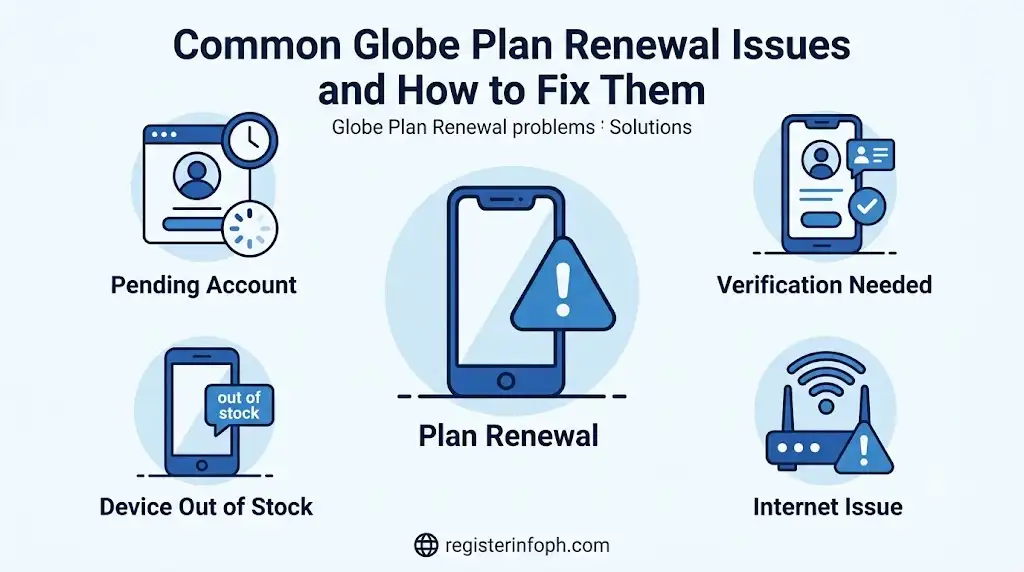
Your Account Is Not Yet Eligible
One of the most common reasons customers cannot proceed with Globe Plan Renewal is that their account has not yet reached the renewal period.
According to Globe’s official guidance, eligible subscribers can generally renew when they are out of contract or within 30 days before their contract expires. If your account is still under contract, the renewal option may not appear in the GlobeOne app or on the Globe website.
What you can do:
- Check your contract status through the GlobeOne app.
- Wait until your renewal window becomes available.
- Contact Globe Customer Care if you believe your account should already be eligible.
Outstanding Account Balance
Globe may require your account to be in good standing before processing your renewal request. If you have unpaid bills or unresolved account concerns, your renewal may be delayed until these issues are addressed.
What you can do:
- Check your latest billing statement.
- Pay any outstanding balance.
- Allow time for your payment to be reflected before trying again.
Identity Verification Failed
For your protection, Globe may ask you to verify your identity during the renewal process. If the submitted information does not match your account records, additional verification may be required.
This can happen if:
- Your name does not match your registered account.
- Your uploaded ID is blurry or unreadable.
- The ID has expired.
- Additional verification is required for security purposes.
What you can do:
- Use a valid government-issued ID.
- Ensure all information matches your Globe account.
- Follow any additional verification instructions provided by Globe.
Slow Internet Connection
Since Globe Plan Renewal is completed online, an unstable internet connection may interrupt the application.
Before starting your renewal:
- Use a reliable Wi-Fi or mobile data connection.
- Avoid refreshing the page while your request is processing.
- Keep your browser or GlobeOne app updated.
How Long Does Globe Plan Renewal Take?
The processing time for Globe Plan Renewal depends on several factors, including:
If your renewal does not include a new device and no additional verification is required, the process may be completed more quickly.
For customers renewing with a smartphone, processing and delivery times can vary depending on inventory and delivery location.
Because timelines may change, Globe recommends monitoring your registered email, SMS notifications, or the GlobeOne app for updates regarding your renewal request.
Globe Plan Renewal Fees and Payment Information
One of the most frequently asked questions is whether Globe Plan Renewal comes with additional fees.
The answer depends on the renewal option you choose.
If You Renew Without a Device
Customers who renew their postpaid plan without selecting a new smartphone generally continue paying the monthly fee associated with their chosen plan.
If You Renew With a New Device
If you select a new smartphone during your renewal, additional charges may apply depending on:
- The smartphone model
- The selected postpaid plan
- Globe’s current promotional offers
Some devices may require a cash-out payment, while others may be available under different payment arrangements offered by Globe.
Before confirming your renewal, carefully review:
- Monthly recurring charges
- Device cash-out (if applicable)
- Contract duration
- Included plan benefits
- Any applicable promotional terms
Important: Device prices, cash-out amounts, and promotional offers are subject to change. Always refer to Globe’s official renewal page for the latest pricing and available offers.
Tips for a Successful Globe Plan Renewal
Following a few best practices can make your Globe Plan Renewal faster and help reduce the chances of delays.
Check Your Eligibility Early
Don’t wait until the last minute to verify your renewal eligibility. Checking early gives you enough time to compare available plans and prepare the required information.
Keep Your Account Information Updated
Make sure your:
- Mobile number
- Email address
- Personal details
are accurate and up to date.
This helps ensure that Globe can contact you if additional verification is required.
Compare Available Plans
Before selecting a renewal package, compare the available options carefully.
Consider:
- Monthly cost
- Mobile data allocation
- Call and text benefits
- Device offers
- Contract period
Choosing the right plan can help you get better value based on your usage.
Read the Terms and Conditions
Take time to review the terms before confirming your renewal.
Pay attention to:
- Contract length
- Monthly charges
- Device payment terms
- Renewal conditions
Understanding these details helps you avoid unexpected charges later.
Complete Verification Promptly
If Globe contacts you for additional verification, respond as soon as possible to prevent unnecessary delays in processing your renewal.
Conclusion
Completing your Globe Plan Renewal online is a convenient way to continue enjoying Globe Postpaid services without visiting a physical store. Through the GlobeOne app or the official Globe website, eligible customers can check their renewal eligibility, compare available postpaid plans, upgrade to a new device if desired, and submit their renewal request in just a few steps.
Before starting your renewal, make sure your account is eligible, your contact information is up to date, and you understand the terms of your selected plan. Taking the time to review your options can help you choose the plan that best fits your needs while reducing the likelihood of delays.
Because Globe may update its renewal policies, device availability, pricing, and promotional offers from time to time, it’s always a good idea to verify the latest details through Globe’s official channels before submitting your application.
If you’re ready to continue your Globe Postpaid subscription, following the steps in this guide will help you complete your Globe Plan Renewal with confidence.
Frequently Asked Questions
Want to explore more helpful Philippine guides? Browse our Latest Posts to discover updated tutorials on Globe, Smart, DITO, government services, and other useful online processes.